From photos to a deck
Create 52 or 54 cards, using one image, suit-based or rank-based assignments, or a repeating sequence.
 A Little有一点
Photo playing-card studio
 Piploom
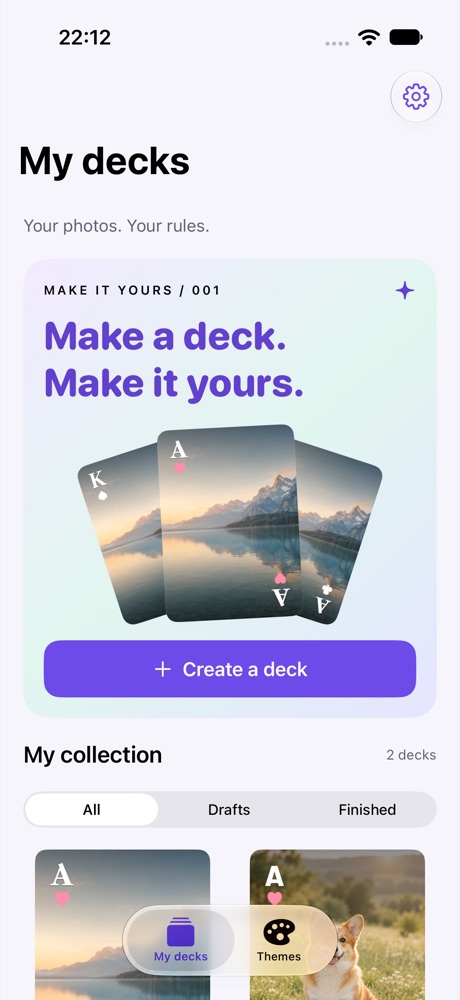
Turn favorite photos into a full deck of playing cards. Shape the ranks, suits and composition, one card at a time.
THOUGHTFUL DETAILS
Create 52 or 54 cards, using one image, suit-based or rank-based assignments, or a repeating sequence.
Style ranks and suits, fine-line borders, individual photos and text, plus a shared card back.
Export 1500 × 2100 PNGs, a deck ZIP or an editable .puker project backup.
Native interface with example data. These apps are preparing for release; interfaces may evolve.
Contact the developer
Something not working, or an idea to share? Write to the developer.
Include the app name and version, iOS version and steps to reproduce. No personal photos, recordings or full ledgers are needed. Redact personal information from screenshots.